

I’ve been reviewing online casino platforms from Canada for years, and I’ve seen the download experience go from bulky software that took up hard-drive space to something that feels as polished as a top-tier mobile app. Getting a casino client today isn’t about slowing down your device. It’s about speedier load times, clearer graphics, and a gambling environment that actually keeps track of how you like to play. At casino mystic fortune betting odds, the download option focuses on that, providing you a few hundred games without the lag that sometimes shows up in browser play. What follows is the information I’ve picked up about setting up casino games in 2025, from the actual steps to security checks, so you can choose if a dedicated app or desktop client suits the way you play. If you’re on a Windows desktop, a MacBook, or an iPhone, the process is simpler than you might think. By the time you complete this guide, you’ll know exactly what happens when you get the Mystic Fortune Casino platform, and how to extract the most out of it.
Game Types You Can Anticipate After Installing
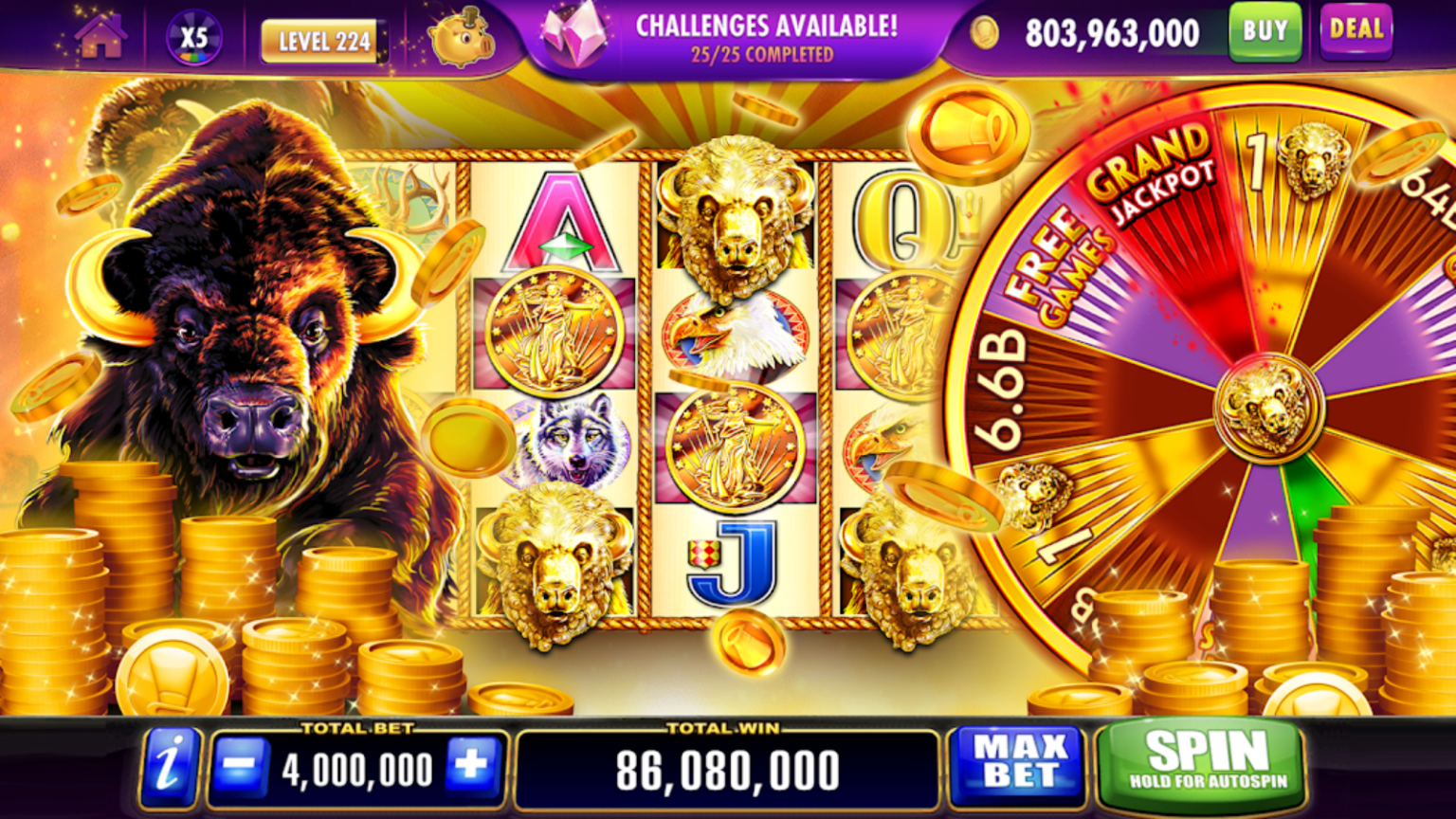
Once you access the installed client at Mystic Fortune Casino, the lobby presents a clear overview covering every major category a Canadian player might want. I’ve logged hours exploring the library, and the software’s filtering and search tools are the first things that catch my eye. You can filter by provider, popularity, release date, or features like bonus buy and Megaways, so locating a certain slot takes no effort. The downloaded environment also preloads game thumbnails faster than a browser, which means scrolling through hundreds of slots feels seamless instead of sluggish. The exact lineup evolves, but you can count on a blend of old-school slots, contemporary video games with rich narratives, and jackpot slots with reward pools that reach millions. Table game fans will come across various blackjack options, European and American roulette, baccarat, and a few poker games, all displayed with sharp visuals that benefit from the client’s hardware acceleration.
- Slot Machines: Numerous titles with various themes, bonus features, free spin features, and networked progressive jackpots from leading studios.
- Casino Table Games: Multiple blackjack versions, European and American roulette, baccarat, Casino Hold’em, and Three Card Poker with adjustable table limits.
- Live Dealer Games: Real-time streams of blackjack, roulette, baccarat, and game-show-style titles like Dream Catcher, hosted by professional dealers in HD.
- Specialty Titles: Keno, scratch cards, virtual sports, and instant-win options for rapid, informal sessions without complex strategies.
What I enjoy most about the desktop app is how it manages live dealer games. The video streams appear sharper and lag less because the app can dedicate more system resources to decoding the feed. I’ve played live blackjack on both browser and desktop app, and the difference in stream stability is clear, especially during peak evening hours when server loads climb. The lobby also highlights new and exclusive games that might not hit the instant-play version right away. If you enjoy exploring fresh content, the download platform often has first access to the latest releases. The client also stores my top games in a dedicated tab, which lets me set up a personalized quick-launch list that synchronizes across desktop and mobile when I’m signed into the same account. That small design choice makes the downloaded experience seem tailored to my habits, not a generic portal.
How to Obtain the Mobile Casino App on iOS and Android
On iOS, the process is dead simple. Open the App Store on your iPhone or iPad, search “Mystic Fortune Casino,” and look for the authorized app with the recognizable logo and the developer name that matches the casino’s brand. Tap Get, verify with Face ID, Touch ID, or your Apple ID password, and the app downloads and installs by itself. Since Apple’s review process is rigorous, any real-money casino app in the App Store has already cleared a baseline security and content check, which gives me extra peace of mind. Once installed, log in with your current account or register straight from the app. I like that the iOS version supports biometric login immediately upon first launch, so I can get into a live dealer table or a quick slot session without typing a password. The app also hooks into iOS notification settings, enabling you to adjust how and when you get notified about new promos or game releases.
With Android, you’ll have to take a couple extra steps because Google Play limits real-money gambling apps in many regions, Canada included. Rather than the Play Store, go to mysticfortunecasino.ca with your mobile browser and tap the Android download link. That pulls an APK file directly to your device. Before you can install it, you’ll need to adjust your security settings to allow installations from unknown sources. The exact path differs by device, but generally, navigate to Settings, then Security or Privacy, and enable “Install unknown apps” for the browser you’re using. I always turn that permission off again after the install to keep my device tight. The steps below outline the whole process.
- Launch the Mystic Fortune Casino website on your Android phone or tablet and tap the Android download button.
- When prompted, accept the APK download; your browser may show a warning, which is standard for direct downloads.
- Access your device’s Settings, go to Security or Apps & notifications, and enable “Install unknown apps” for your browser.
- Access the downloaded APK file from your notifications or file manager and tap Install.
- After installation, open the app, log in, and you’ll enjoy the full casino experience optimized for your screen.
Once the Android app is set up, spend a minute adjusting notification preferences and linking your preferred payment method. The mobile app mirrors the desktop client’s game library nearly completely, although a few older titles may be tuned for larger screens. I evaluated the Android version on a mid-range phone and discovered it runs without a hitch, with touch-friendly menus and rapid access to live chat support. One small detail I appreciate: the app recalls your login, so you aren’t required to re-enter credentials each time—a convenience that makes casual play feel easy. If an update prompt shows up, installing it takes seconds, which keeps you on the latest security patches and game additions.
Deciphering Bonuses and Wagering Requirements for Software Play
Bonuses at Mystic Fortune Casino operate the same regardless if you’re on the downloaded client or the browser, but I’ve noticed some promos are surfaced more transparently inside the app. The typical welcome offer for new Canadian players includes a deposit match—often 100% up to a specific amount—paired with a package of free spins on a highlighted slot. Whenever I assess a bonus, I go straight to the terms to find the wagering requirement, which is the coefficient you have to play through before you can cash out bonus-related winnings. In the Canadian market, you’ll usually see requirements between 35x and 40x the bonus amount, though this changes. I always convert that into real money: a $200 bonus with a 35x requirement means you need to place $7,000 in total bets before cashing out. It’s also essential to check which games qualify and at what percentage. Slots usually count 100%, but table games and live dealer titles often qualify only 10% or 20%, which changes the math if you’re a blackjack player.
Beyond the primary numbers, I look at the fine print many players ignore. Maximum bet limits while a bonus is active are normal—often set at $5 or $10 per spin—and going over can cancel both the bonus and any winnings. Time limits apply, too. You generally have between 7 and 30 days to complete the wagering requirement, so I always note the expiry date. Some casinos offer no-deposit bonuses or app-exclusive reload deals for downloaded users, and I make it a point of checking the promotions tab inside the client at least once a week. Mystic Fortune Casino displays all active bonuses with their terms plainly, and the support team has been prompt to explain any unclear conditions when I’ve inquired. If you’re new to online gambling, reviewing the bonus policy in full before opting in is a sensible move, because a generous-looking offer can turn frustrating if you don’t comprehend the playthrough structure. A practical approach: treat bonuses as a way to extend your session and try new games, not as a guaranteed profit vehicle.
Why Get Casino Games Instead of Playing via Browser
I’ve tested each browser-based instant play and downloadable casino clients thoroughly, and the performance gap is noticeable. A native application runs straight on your device’s hardware, so animations remain fluid, games start up faster, and you have much fewer disruptions mid-session. When I’m at a live dealer blackjack table or spinning a feature-packed video slot, every millisecond matters, and a downloaded client consistently delivers lower latency than a browser tab that’s managing twenty other processes. Beyond raw speed, a dedicated app keeps you logged in, modify sound and notification settings, and start your go-to game right from the desktop or home screen without ever typing a URL. Push notifications for new promos, tournaments, or game drops keep you informed, so you don’t have to repeatedly check your email. For Canadian players who seek that console-like, uninterrupted feel, the download route just lands better and holds up during crowded evening hours when browser lobbies begin to lag.
Another reason I lean toward downloads is the deeper integration with your device’s security. On the mobile app, biometric login—fingerprint or face recognition—comes standard, which speeds up account access and safer than typing in a password every time. The desktop client typically supports hardware acceleration, which enhances visual quality and actually is less taxing on your system than a browser loaded with extensions. At Mystic Fortune Casino, the downloaded platform saves game preferences and recently played titles across sessions, so you pick up right where you left off. Instant play works well as a fallback, but the downloaded version consistently feels like a premium entertainment product. If you’re dedicated to your sessions, those five extra minutes used for installing the software pay you back in stability and enjoyment almost immediately.
How to Get Casino Games on Desktop
Installing the desktop client ready at Mystic Fortune Casino is easy. I completed the installation in under five minutes. Head to the official website and find the download button, often prominent on the homepage or in the main navigation. The site detects your operating system and serves the right installer for Windows or Mac. Before you click, I recommend exiting any programs you aren’t using to keep the installation clean. Once the file downloads, your OS might display a security prompt requesting for permission to run the installer—that’s expected, and since you grabbed it from the official source, you can proceed. The installation wizard takes you through a few easy prompts, like picking a directory and agreeing to the terms. I keep the default settings unless I have a reason to change the file path.
- Visit mysticfortunecasino.ca and select the clear Download button on the homepage.
- Choose the version for your operating system—Windows or macOS—and store the installer file to your computer.
- Open the downloaded file and let the installer to start if your system’s security settings prompt.
- Adhere to the on-screen instructions, select your installation location, and finish the setup.
- Open the Mystic Fortune Casino client, sign in with your current details or register an account, then you’re prepared to play.
After installation, take a minute to explore the client’s settings before starting a game. You can tweak audio, enable or disable notifications, and establish responsible gambling limits within the interface. Occasionally antivirus software identifies the installer as unfamiliar, but that’s a frequent false positive for new executable files. If it happens, for a moment disable real-time scanning during the install or set up an exception—provided you are sure of the source, which you should, because you’re obtaining from the official Mystic Fortune Casino site. Once the client launches, you’ll notice the game lobby opens a lot quicker than in a browser, and full-screen mode eliminates distractions. That concentrated casino atmosphere truly improves the whole experience.
Banking Methods and Cashout Times for Players in Canada
A key reason I point fellow Canadians toward Mystic Fortune Casino is the transaction options tailored to our market. The platform offers Interac e-Transfer, currently the most popular method for online casino transactions in Canada because it ties into your bank account without passing private information to the casino. I’ve used Interac for deposits and withdrawals, and the process feels safe and familiar. iDebit and Instadebit are also available and function the same way, functioning as intermediaries that deliver immediate deposits and relatively fast payouts. If you favor e-wallets, MuchBetter and ecoPayz are reliable choices that often complete withdrawals within 24 hours after the casino confirms the transaction. Visa and Mastercard credit and debit cards are allowed for deposits, though some Canadian banks prevent gambling-related transactions, so having a backup method is advisable. The casino works in Canadian dollars, which eliminates currency conversion fees—a detail that adds up over time.
- Interac e-Transfer: Prompt deposits; withdrawals typically arrive within 1–3 business days after processing.
- iDebit / Instadebit: Instant deposits; withdrawal timeframes range from 1–3 business days.
- MuchBetter: Immediate deposits; withdrawals frequently completed within 24 hours once approved.
- Visa / Mastercard: Instant deposits; withdrawals may take 3–5 business days depending on the card issuer.
- Bank Transfer: Slower method; withdrawals typically take 3–7 business days and may carry a small fee.
Before you can submit your first withdrawal, you’ll need to finish the know-your-customer (KYC) verification. That’s a standard regulatory requirement across all regulated casinos that cater to Canadians, and Mystic Fortune Casino manages it smoothly. You’ll submit a clear photo of a government-issued ID, a recent utility bill or bank statement displaying your address, and sometimes a screenshot of your e-wallet or card if you used one to deposit. I advise doing this right after creating your account, because document review can take 24 to 48 hours, and you don’t want pending verification to delay your first cashout. Once verified, the withdrawal pending period—the time the casino takes to review and approve the request—usually is between 24 and 48 hours. After approval, the funds transfer according to the timelines above. In my experience, opting for e-wallets or Interac gives the fastest turnaround, and I’ve never faced an unexplained delay when my account was fully verified.
Key Factors When Choosing a Downloadable Casino Platform
When I evaluate any downloadable casino, I examine the security infrastructure first. A trustworthy platform will encrypt your personal and financial data with SSL, and you can check that by noticing the padlock icon in the client’s connection settings or on the website before you download. Just as important: the licensing details. Legitimate casinos display their license number and regulatory body right in the footer of every page. Mystic Fortune Casino makes that easy to find, which creates trust rapidly. I also look for certifications from independent testing agencies like eCOGRA or iTech Labs, which ensure that the random number generator and game outcomes are fair. Without those obvious signs, I wouldn’t download anything, no matter how sleek the interface. A clear privacy policy that explains how your data gets stored and used is another essential I verify before installing software on my device.
Past security, I monitor the installation process closely. A reliable downloadable casino won’t package unwanted toolbars, adware, or extra software. The file size should be reasonable—desktop clients usually sit between 50 MB and 150 MB, mobile apps less than 100 MB—and the download has to come from the official domain or a recognized app store. I also look at how often the platform gets updated. Regular updates indicate the operator is patching vulnerabilities, optimizing performance, and introducing new features. With Mystic Fortune Casino, the desktop client asks for updates at startup and installs them smoothly, which tells me the development team cares about a secure, current environment. Compatibility is also important. I always ensure the software supports my OS version, whether that’s Windows 11, macOS Ventura, or the latest iOS and Android releases. If a casino cannot state its system requirements clearly, I view that as a caution.
Safety, Equity, and Responsible Play in a Downloaded Environment
When you download a casino client, you’re putting software that manages real-money deals onto your computer, so security has to be watertight. Mystic Fortune Casino secures all data in transit with TLS 1.3 encryption, the same standard big financial institutions use. The downloaded client holds your session tokens securely and automatically logs you out after idle time, reducing the risk of someone else accessing your account if you step away. I always switch on biometric login for the mobile app, and on desktop I use a strong, unique password stored in a reputable password manager. The platform’s privacy policy says plainly that personal information is never sold to third parties, and data sits on servers in jurisdictions with strong data protection laws. On the fairness front, the games run on certified random number generators that independent testing labs audit regularly. You can usually find the certification seal in the client’s footer or settings menu, and I make a habit of clicking through to confirm the certificate is current when I first install a new casino app.
Responsible gambling tools are integrated directly into the downloaded platform, and I consider that a must-have for any modern casino. Inside the client, you can configure daily, weekly, or monthly deposit limits that can’t be raised without a cooling-off period. Session time reminders pop up at intervals you choose—I keep mine at 45 minutes—and reality checks present your current session’s wins and losses, which helps me keep perspective. The app also provides a self-exclusion option that you can activate for a fixed period or indefinitely, and it connects to Canadian problem gambling resources like ConnexOntario and the Responsible Gambling Council. I’ve found these tools work better in a downloaded environment because they tap into the operating system’s notification system, making them harder to ignore than a browser pop-up you might reflexively close. Mystic Fortune Casino places these features front and center, not buried in a submenu but accessible from the main account dashboard. For anyone who wishes to keep their play recreational, the controls are genuinely useful and straightforward to set up.
What Distinguishes a Quality Download Experience Apart at Mystic Fortune Casino
After a few weeks with the Mystic Fortune Casino desktop and mobile app, I can highlight exactly what raises the experience over a run-of-the-mill online casino. The installation is clean with no bloatware, the interface is logically arranged, and the game library loads with a snap that makes me prefer to open the app instead of a browser. One notable detail: the unified account system. My balance, bonuses, loyalty progress, and game history synchronize instantly across desktop and mobile, so I can initiate a session on my laptop and resume it on my phone without missing anything. The client handles updates seamlessly, too—I’ve never been stuck waiting through a lengthy patch when I’m ready to play. Customer support is available directly from the app through live chat, and in my test chats, the agents understood the technical ins and outs of the downloaded platform, not just generic account questions. That kind of specialized support tells me the casino invested in training its people for the software’s nuances.

What really sets the Mystic Fortune Casino download apart, though, is the emphasis on Canadian player preferences. The platform defaults to Canadian dollars, highlights Interac as the primary banking method, and offers games from studios favored here, including titles with hockey themes and winter motifs that hit close to home. The responsible gambling tools use straightforward plain language, and the verification process feels streamlined rather than heavy-handed. I also value that the casino doesn’t overwhelm me with aggressive upsells; the promotions tab is there when I want it, but the main lobby focuses the focus on the games. In a market with plenty of operators, a downloadable casino that respects your time, safeguards your data, and just works without friction is worth keeping. If you’re a casual slots player or a dedicated live dealer fan, the downloaded platform at Mystic Fortune Casino delivers a polished, secure, and genuinely enjoyable gambling environment I can suggest without hesitation.





Neueste Kommentare